


October 6, 2026
How to reduce no-shows just when your schedule is at its fullestReminders, cancellation policies, and flexibility: how to prevent no-shows from costing you hours just when your schedule is at its fullest.
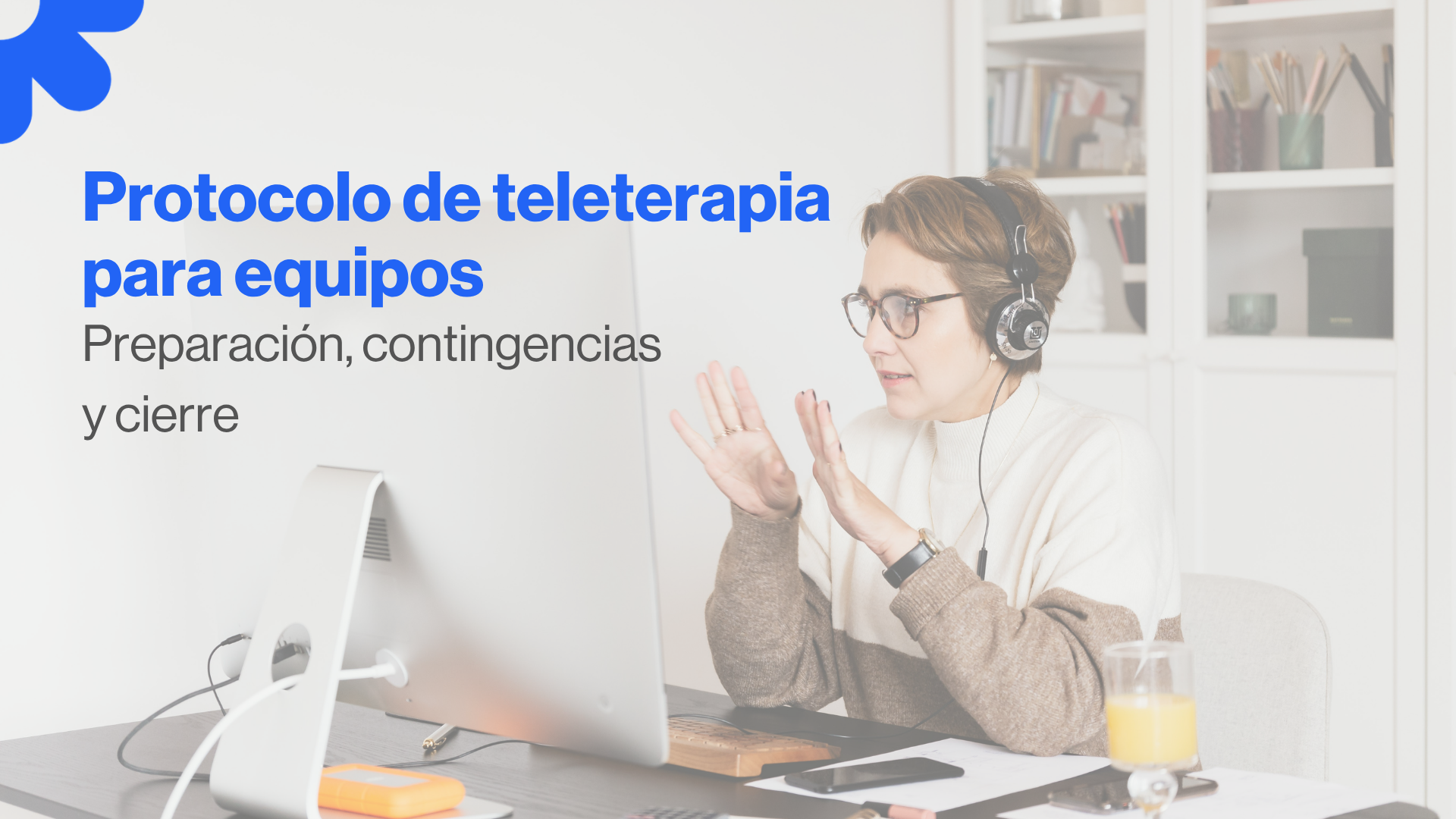
When a center does online therapy on a stable basis, what helps the most is not adding tools. The thing is that the team shares a simple protocol. One that everyone understands and can apply without thinking too much, so that the patient experience is consistent and so that incidents are not resolved quickly and quickly.
This post suggests a online therapy protocol for psychologists designed for teams, with a version fully applicable to individual consultation. The idea is to standardize without bureaucracy: to prepare the session well, to have a clear plan if the connection fails, and to close continuously, without the administrative aspects eating away at the end.
A useful protocol can be seen in three moments. At the beginning, because the session starts smoothly and with a clear frame. If there is an incident, because the team knows how to react without improvising. And at the close, because the session doesn't stay “open” and the patient leaves continuously.
In online therapy, that consistency is part of care. It reduces uncertainty, improves presence and prevents the center from relying on each professional to do things their own way.
The first online session should not start with a lengthy sound test or questions about the link. It is advisable to leave three pieces ready from the start: frame, technique and channel.
The framework includes something very simple: through which channel are changes, technical incidents and emergencies managed. In centers, this is especially important, because if each therapist attends to changes through a different channel, coordination becomes fragile and the patient does not know who to write to.
The technical part is a realistic minimum. There is no need to set up a studio. The professional needs to have a private environment, muted notifications and a sufficient connection to hold the thread. If the center works with teletherapy on a daily basis, it pays to agree on a simple standard for the entire team, because that way the incidences go down without anyone having to “invent” their own system.
And finally, the channel. A short and well-written prior message reduces incidents and also reduces anxiety in patients who are starting out online. Ideally, it should include time, link, and a clear sentence of what to do if it gets cut.
In online therapy, there are elements that should be explicitly made clear. Not out of formality, but out of care for the frame. For example: privacy in the patient's environment, recording policy, contingency plan if the connection is cut off, communication channel for incidents and cancellation conditions.
This can be resolved without being extended. Sometimes a short attachment or a specific section within the consent, with simple language, is sufficient.
If you want a basis for landing consent and documentation in psychology, here's this guide: informed consent for psychologists. From there, you can add the specific online modality block.
In teams, starting out the same way helps a lot. Not because it sounds stiff, but because it reduces errors and makes the experience more professional without losing warmth.
A simple start usually includes three things: confirming identity, verifying that the patient is in a private space and remembering in a sentence what will be done if there is a cut. With this gesture, the session starts with a frame and with confidence. And that shows.
Teletherapy doesn't depend on it never failing. It depends on a clear plan. When the plan exists, the cut stops feeling chaotic.
A simple protocol usually works well: reentry to the same link for a couple of minutes, and if it doesn't come back, a short call to reconnect and decide. If quality prevents working judiciously, it is rescheduled with priority.
In centers, there is one decision that should be made first: who manages the rescheduling. The reception or coordination usually supports that part so that the therapist returns to the clinical focus without burdening logistics in the middle of the session.
It also helps to have a standard text to say it to the patient. A short sentence, always the same, prevents each person from explaining it differently and reduces uncertainty.
In online therapy, privacy is taken care of with simple habits. Mute notifications, avoid having documentation visible on the screen, working with headphones whenever possible, and ensuring that the space is private. There is no need to repeat it every session. It needs to be consistent.
In centers, the ideal is for this standard to be shared. Thus, quality does not depend on the person, but on the system.
In person, the closure is supported by the context. Online, you should verbalize a little more. A clear closure usually includes a brief summary or a point of continuity, the agreed next step, and how changes are managed if necessary.
If the center works with payments, billing or administrative tasks, this should not be resolved at the last minute. There it helps that there is an internal circuit: coordination or administration supports that part, and the therapist closes the session without converting it into management.
The version that works best in centers usually fits on a page. A short protocol, a standard pre-message, a unique contingency plan, an online consent criterion, and clear roles as to who sends links, who reprograms and who resolves technical issues.
With this, the team gains consistency and the patient perceives it from the first session.
If you want teletherapy to be smooth, it helps that the video call, schedule and patient are connected, and that the team doesn't rely on separate tools.
You can see here the secure video calls. And if what you want is to have the patient and their clinical information well ordered, with traceability and access by role, here you have it patients and medical history.
You can use this checklist as an internal team document.
Before the session
Home
If there is a cut
fastener
A well-done teletherapy protocol is noticeable because it reduces incidences and leaves more space for the clinical aspect. If you want to land it in your center, it usually works to start with the version of a page, try it for a week and adjust just enough. With that, the system settles down and teletherapy becomes consistent without losing warmth.

Explora las últimas novedades
Reminders, cancellation policies, and flexibility: how to prevent no-shows from costing you hours just when your schedule is at its fullest.
Has your psychology practice grown? Discover the difference between multi-user and single-user software and what to look for before choosing.
Discover which tasks to automate in your practice and which ones should remain yours.


.webp)
.webp)
.webp)
.webp)
Virginia Lagartos Lopez
April 12, 2024
.webp)
Maria De Salazar Martínez
September 01, 2023
.webp)
April 2, 2024
.webp)
April 3, 2024
.webp)
January 22, 2025
Más de 10,000 psicólogos ya confían en Eholo para gestionar sus consultas.
.png)
Necesitamos saber esta información para personalizar tu demo:
